One tap to score.
Big team-coloured + tiles for every score type, and Undo that names the last score.

Sideline score and match clock for iPhone and Apple Watch.
Keep the score and the clock from the sideline, on your iPhone and your wrist.
Download on theApp Store34:12
34:12
1st Half
Cold hands, a bag of bibs, one eye on the pitch. Top Score keeps up.
Big team-coloured + tiles for every score type, and Undo that names the last score.
It keeps running if the phone locks or the app closes, runs into added time instead of stopping, and counts up or down the way your sport does.
The Apple Watch app scores, starts and pauses the clock, and keeps your taps even when your iPhone is out of range.
A Live Activity shows the score and clock, with buttons to score and pause without unlocking.
Each sport scores the way it should, right down to the format.
Goals, halves and added time.
Goals, points and two-pointers in the proper 1-7 (10) format.
Goals and points, shown as 1-7 (10).
Goals, points and two-pointers, shown as 1-7 (10).
1, 2 and 3-pointers.
Tries, conversions, penalties and drop goals.
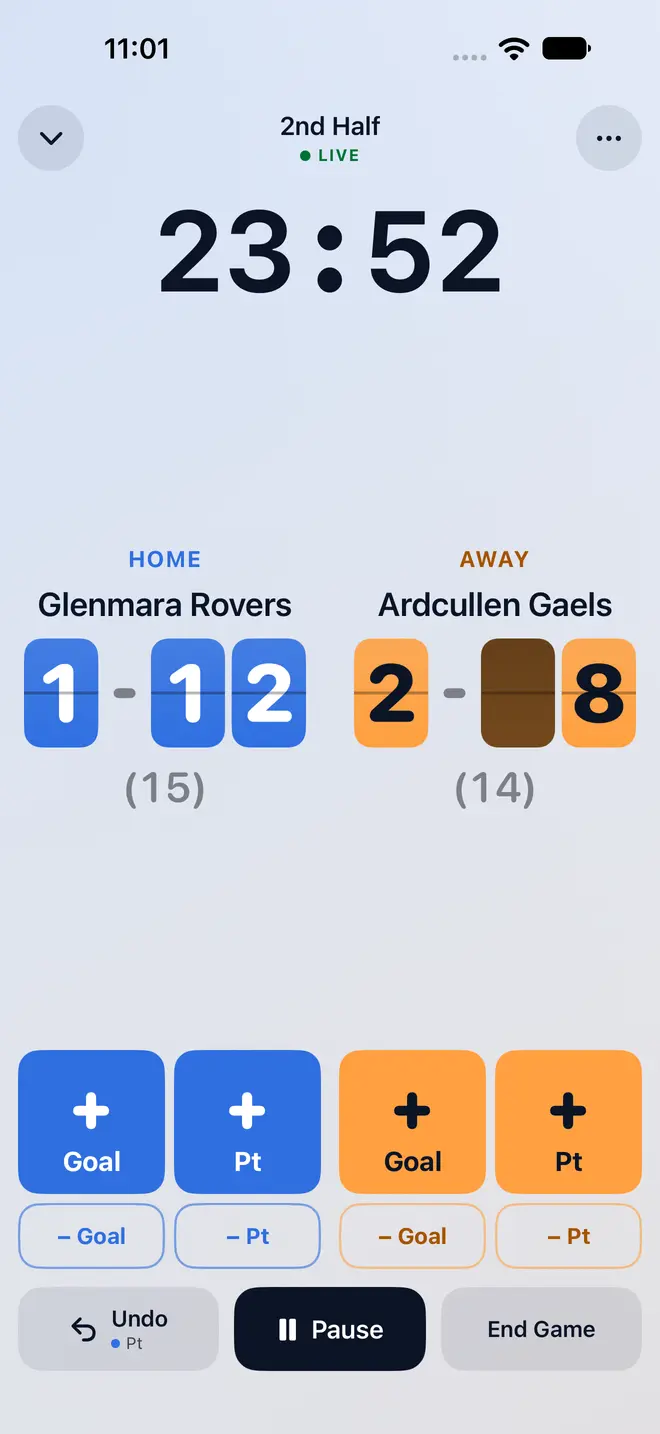
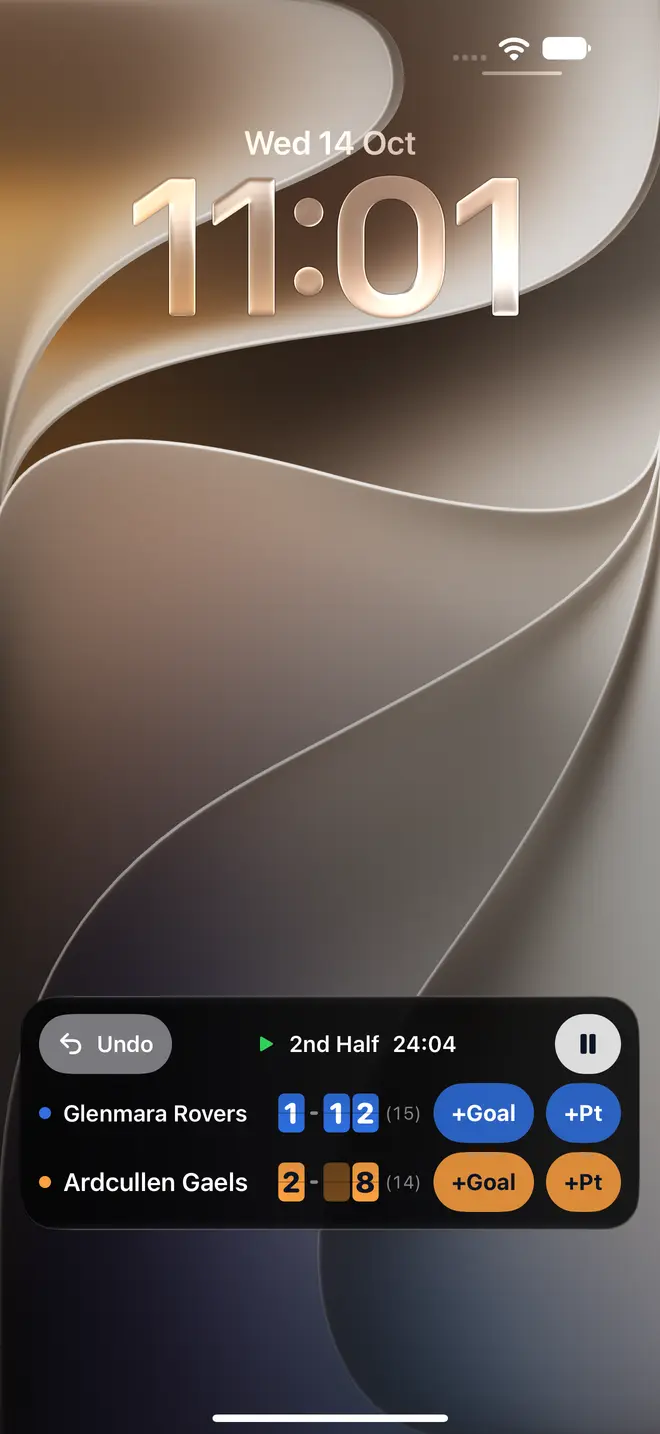
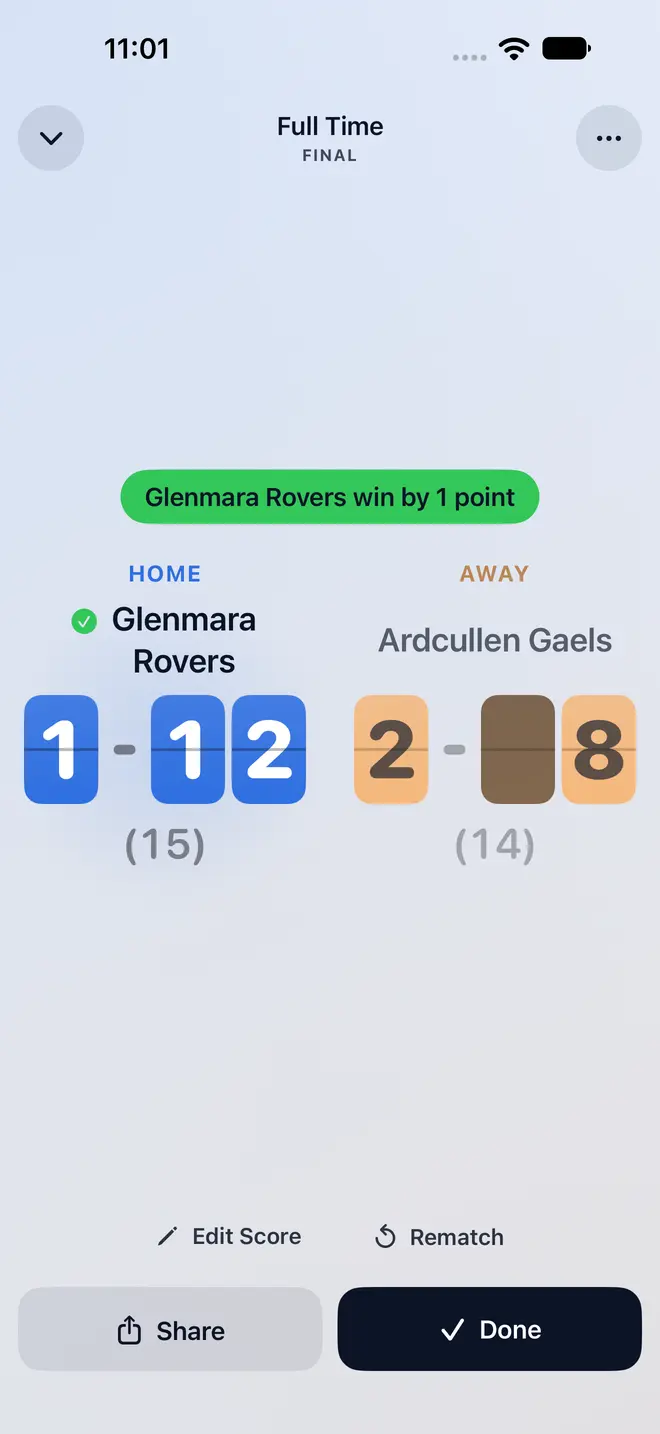
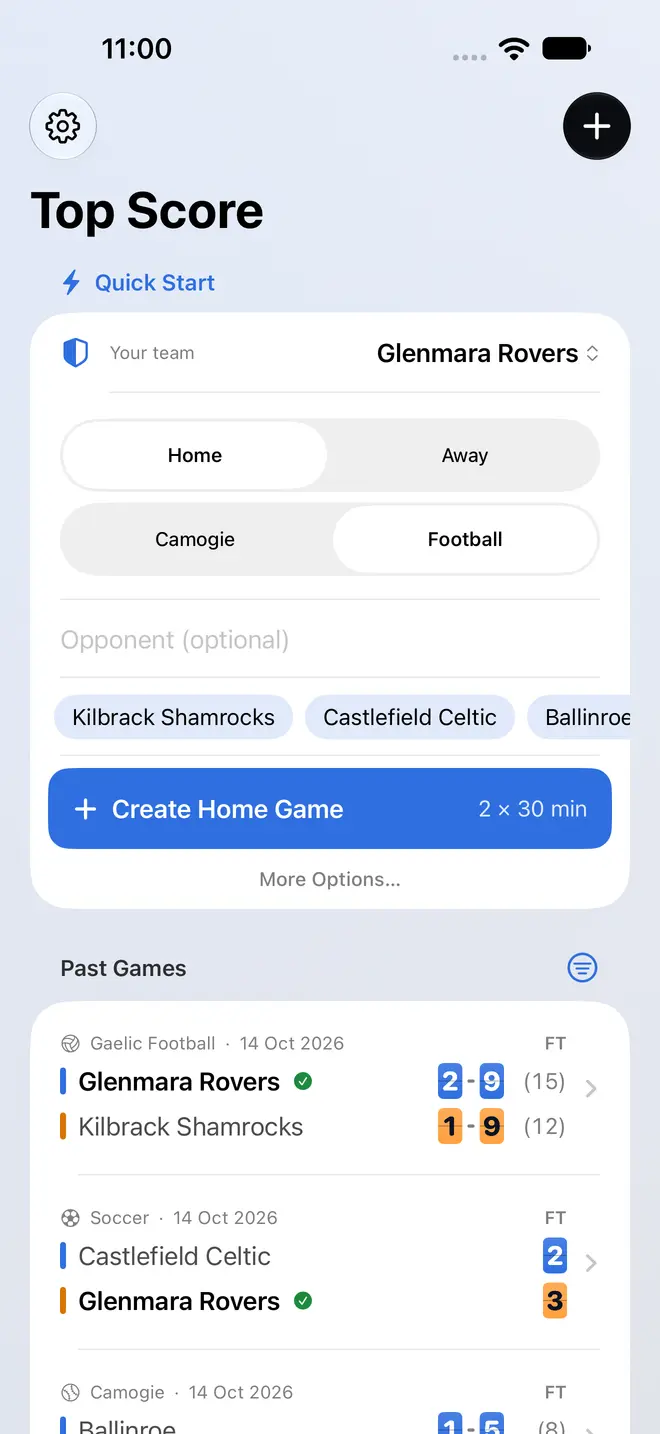
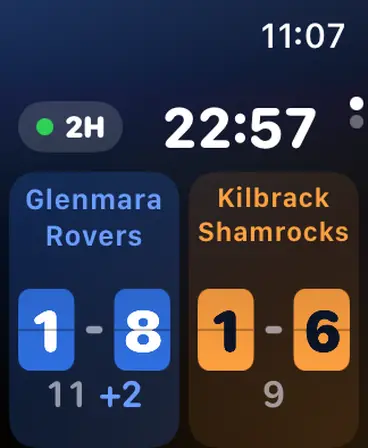
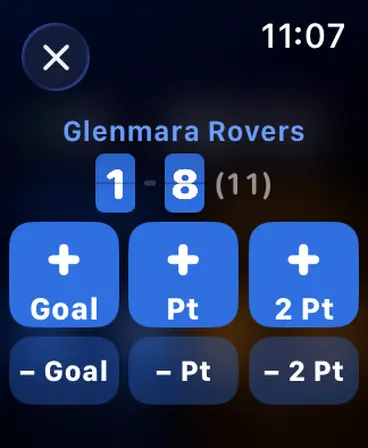
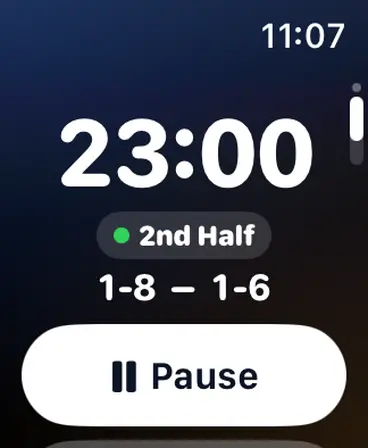
Your team, home or away, the opponent, and you're playing in seconds.
Use the Action Button or Siri without looking at the screen.
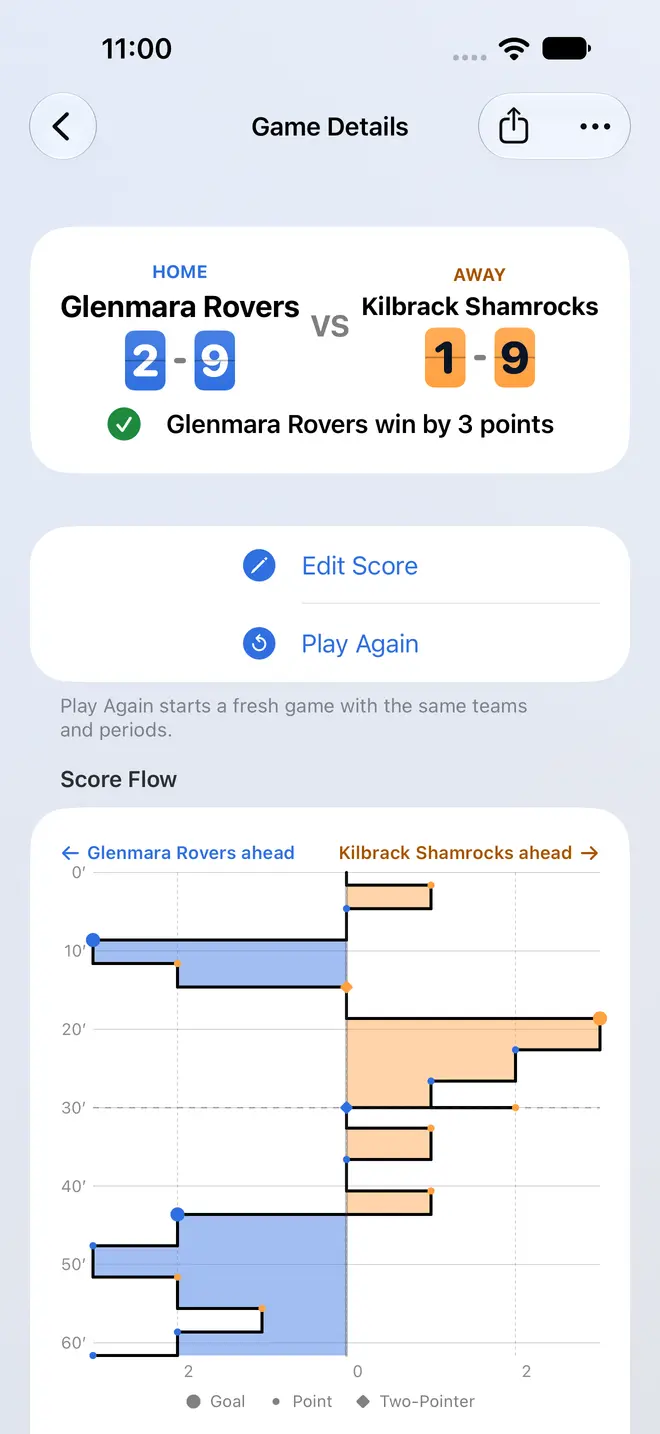
A share image for the club WhatsApp group.
A chart of how the lead changed through the game.
A bright, high-contrast look for sunny days.
Searchable, with resume for unfinished games.
Top Score stores team names and scores on your iPhone and Apple Watch only. No accounts, no ads, no tracking, no player names, and nothing is sent to us.
Read the privacy policyCreate the game on your iPhone, raise your wrist and tap the Top Score card in the Smart Stack. To bring it up automatically, open Settings on your Watch, tap Smart Stack, then Live Activities, and turn on Auto-Launch Live Activities.
On your Watch, open Settings, tap General, then Return to Clock. Tap Top Score, then Custom, and choose After 1 hour.
They are kept while your iPhone is out of range and pulse until it confirms them. Bring the Watch back within range and they catch up.
Yes: set up the Action Button or Siri from Settings, then Sideline Shortcuts, in the app. The Lock Screen and Dynamic Island have a pause button too.
Open the game, tap Edit Score, correct it and save. The game shows as edited in your history.